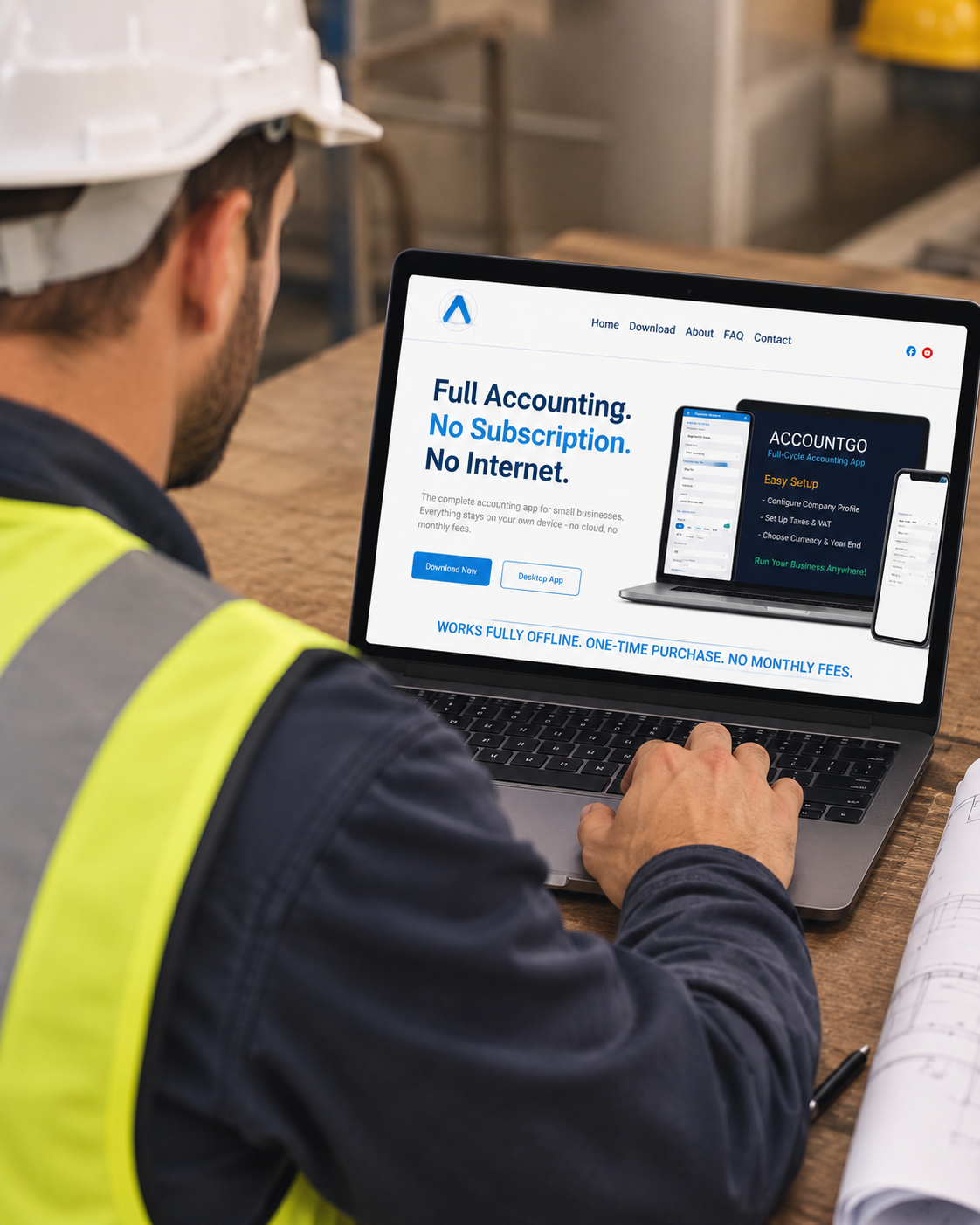

AccountGo for Windows
AccountGo for Windows is downloadable accounting software for small businesses.
You pay once. There’s no subscription, no monthly fee and no account to sign in to — the installer is yours to keep and the app never expires.
What you get:
• A desktop app for Windows 10 or later (64-bit), installed on your own computer
• Invoices, quotes, credit notes, purchases, stock, bank and VAT, all in one program
• Draft invoices you can save and finish later. A draft takes no invoice number until you post it, so one you abandon leaves no gap in your numbering
• Recurring invoices — set up who you invoice and how often, and AccountGo prepares a draft for you to check and post
• A cash flow budget by month, built on your own ledger accounts and filled in from your last 12 months
• Bank statement import, from CSV or Excel
• Reports: trial balance, income statement, balance sheet, cash flow and general ledger, with CSV and Excel export
• Works fully offline. Your data is saved on your own computer and never uploaded, so nobody else can see it and nobody can lock you out
Worth knowing before you buy: AccountGo holds one company, for one user. There’s no company switcher and no second login.
There’s a phone app too, for Android and iPhone, bought separately. Data Transfer moves your books between them.
Delivered as a digital download straight after purchase.
Reviews
I am enjoying the product and purchased it for both my computer and my phone. Is it at all possible for these two to be linked?
For someone with his own business and someone who doesn't have a huge amount experience with accounting / bookkeeping, this is a very user-friendly program to run one's business from. Support has also been excellent. I'm sure I will have more queries as I progress with this, but very comforting to know that the support is there. Nothing more frustrating that purchasing software and then getting no support. Keep up the good work.